
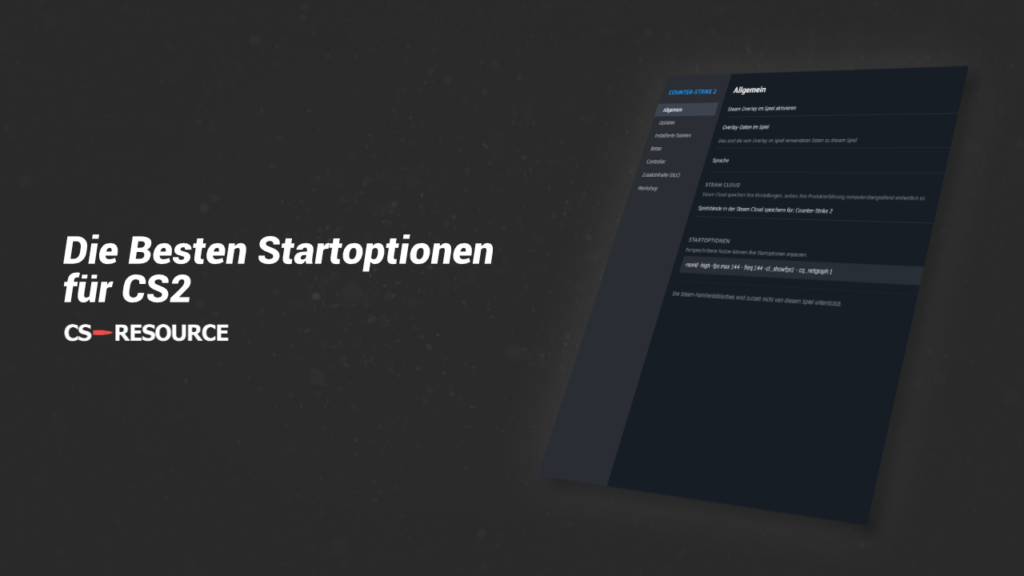
The best start options for CS2 are: "-novid -high -fps max 144 - freq 144 -cl_showfps 1 - cq_netgraph 1". They increase the performance of the game and ensure that important metrics such as FPS and network connection are displayed.
Performance start options:
- -high - Sets the process priority to High
- +fps max 0 - Deactivates the FPS limit
- +fps max 144 - Defines the maximum FPS at which CS2 runs
- -freq 144/-refresh 144 - Set refresh rate (Enter from monitor)
- +mat_queue_mode 2 - Activates multicore processing (leads to more FPS)
- +r_dynamic 0 - Deactivates dynamic light (poorer light, more FPS)
- +r_drawparticles 0 - Deactivates particles (worse graphics, more FPS)
Settings Start options:
- -cl_showfps 1 - Display FPS
- -cl_showfps 2 - Display FPS with minimum and maximum FPS
- -cq_netgraph 1 - Display connection to the server
- -r_show_build_info false - Build Info Hide
- -autoconfig - Starts the game with the default settings
- +exec file name- Starts the game with the given config (place in: "Steam\SteamApps\common\Counter-Strike Global Offensive\cs2\cfg")
- -console - Activates the developer console
- -novid - The intro video is deactivated
- -language English/German - Defines the language
- -full/-fullscreen - Starts the game in full screen
- -window/-windowed - Starts the game in windowed mode
- -noborder - Starts the game in frameless mode (full screen window)
- -w 1920; -h 1080 - Starts the game with the desired resolution (h = height, w = width)
- -nojoy - Deactivates joystick support
- +violence_hblood 0 - Removes elements of violence (e.g. blood)
Why use start options with CS2?
Start options can improve performance, but also define helpful settings. What you can use the Start options used exactlyis up to you. Many players use the start options to improve the FPS in CS2 and start the game with the desired settings.
 English
  German
  French
  Spanish
  Russian
  Ukrainian
  Polish
  Swedish
  Turkish
  Portuguese
  Chinese